
Select the signal in your account
Step 1: Go to Account and select the signal you want to edit.
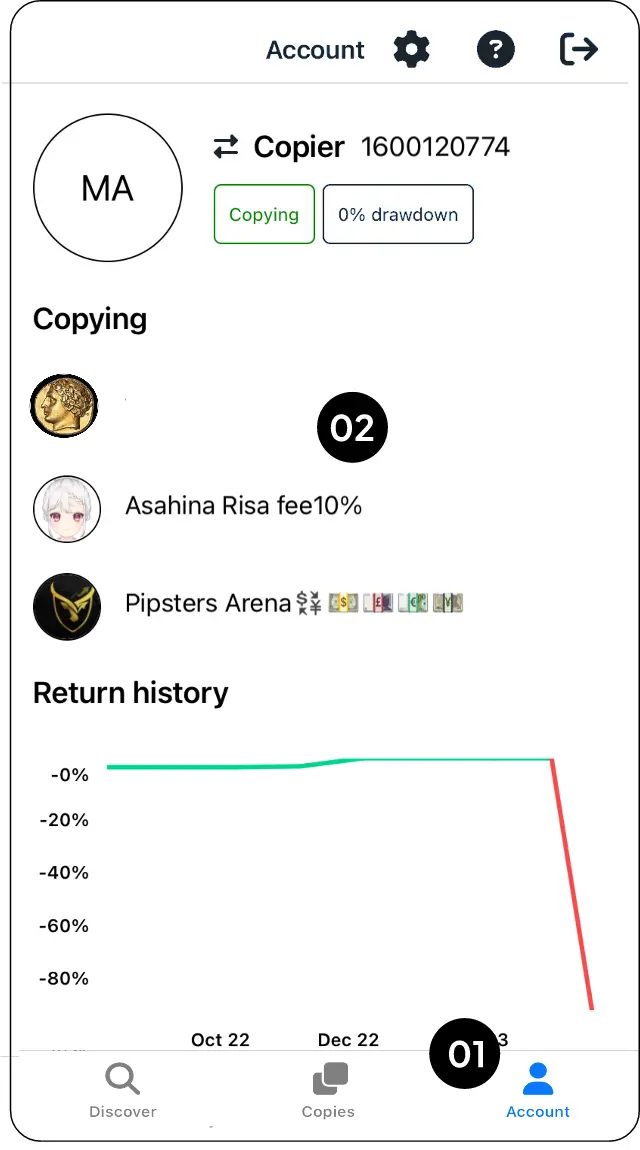
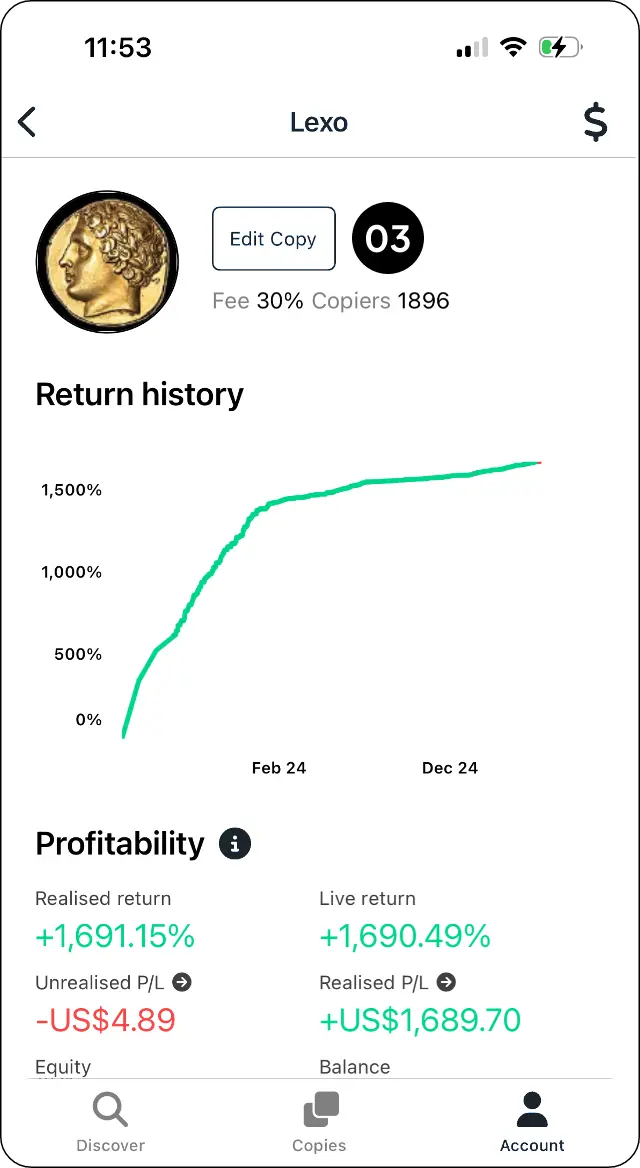
Open Edit copy
Step 2: Select Edit copy.
Update your copy settings
Step 3: Adjust the copy settings, then select Update.
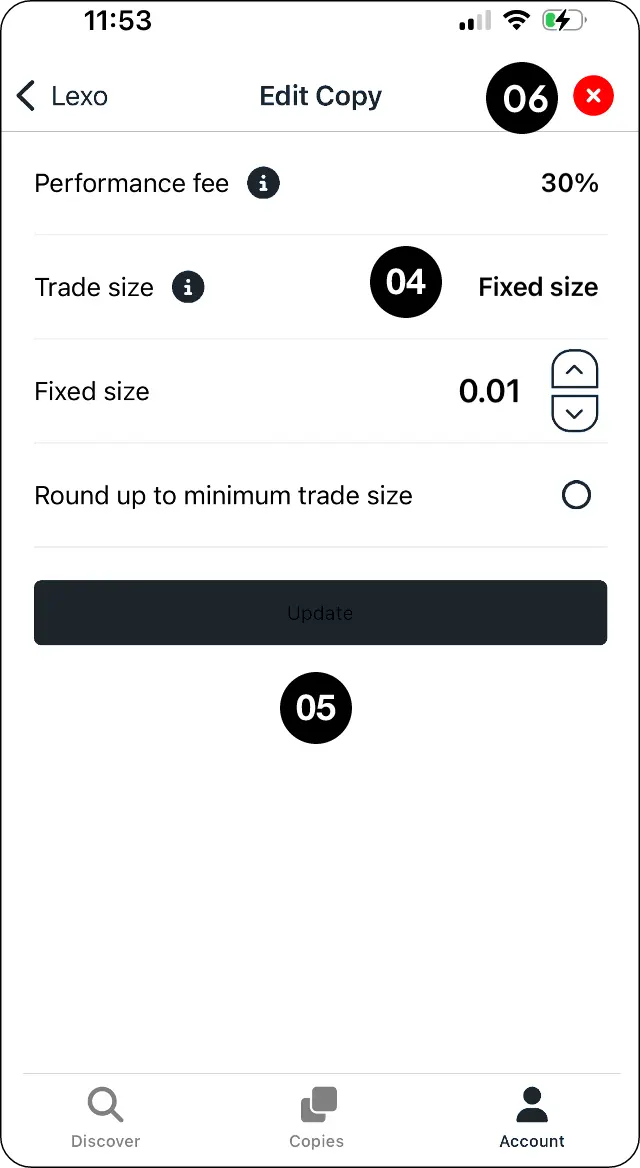
Choose how to stop copying
Step 4: To stop copying, select the X and choose how you want any related open trades managed.
Confirm your changes
Step 5: Select OK to confirm.
Expected outcome
Change a copying relationship or stop it completely.