
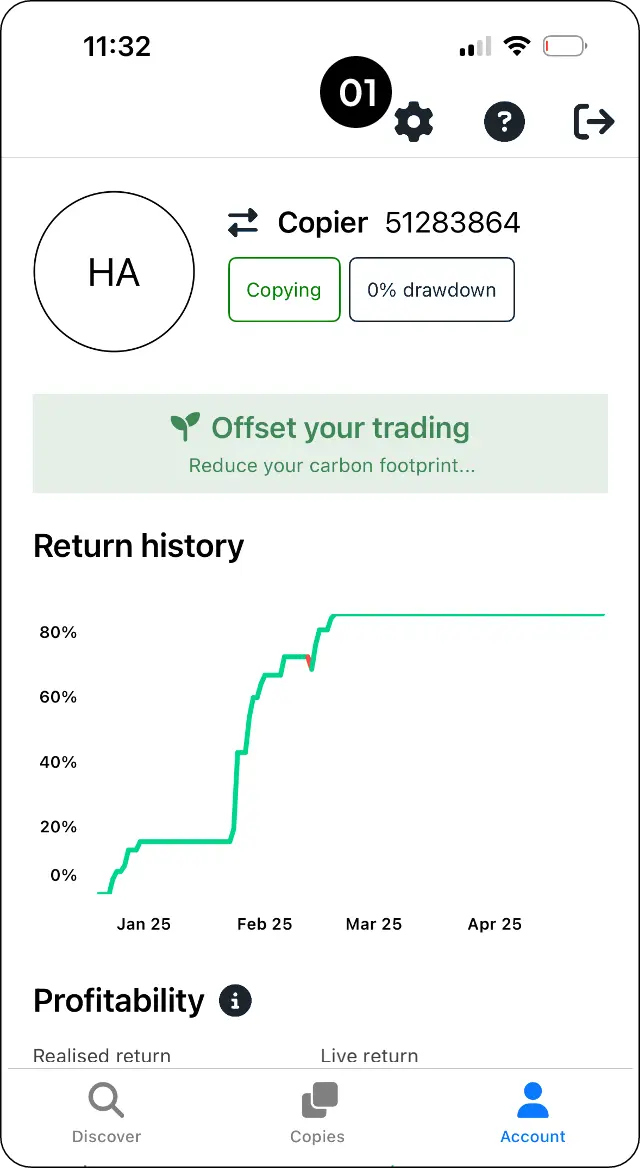
Open account settings
Step 1: Go to Account and open Settings.
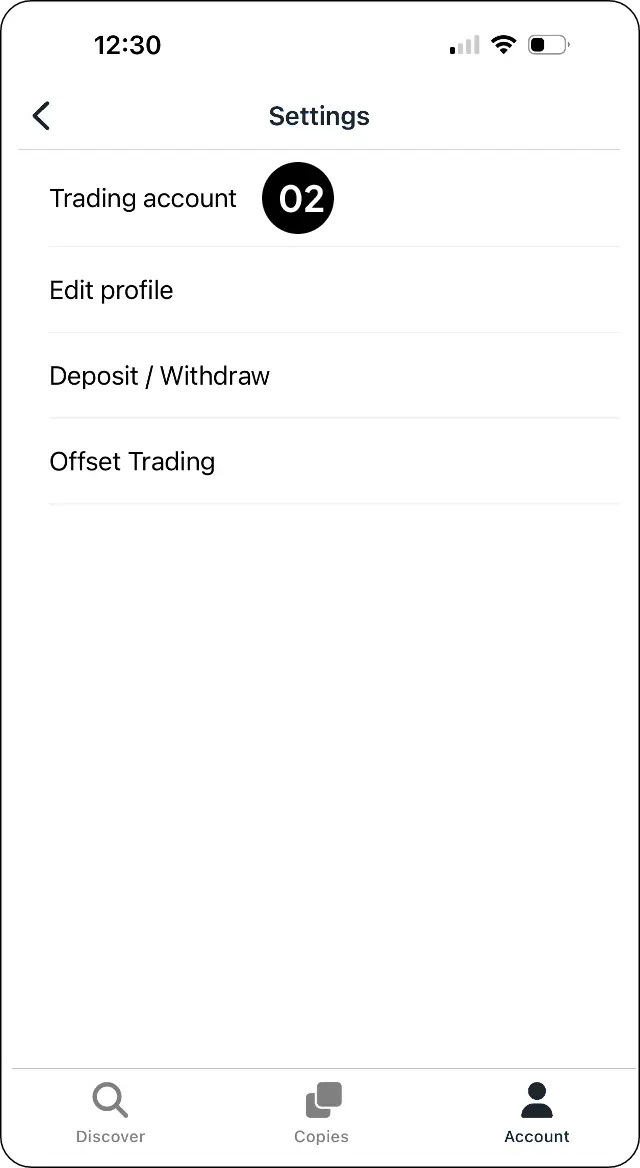
Select Trading account
Step 2: Select Trading account.
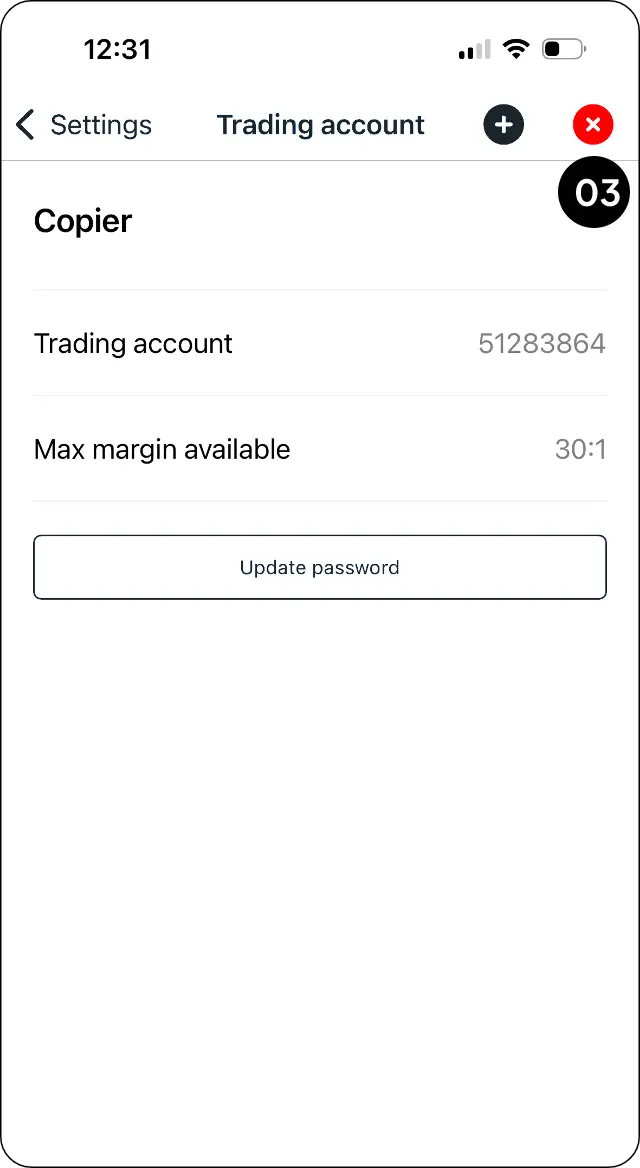
Choose the account to unlink
Step 3: Select the X beside the account you want to unlink.
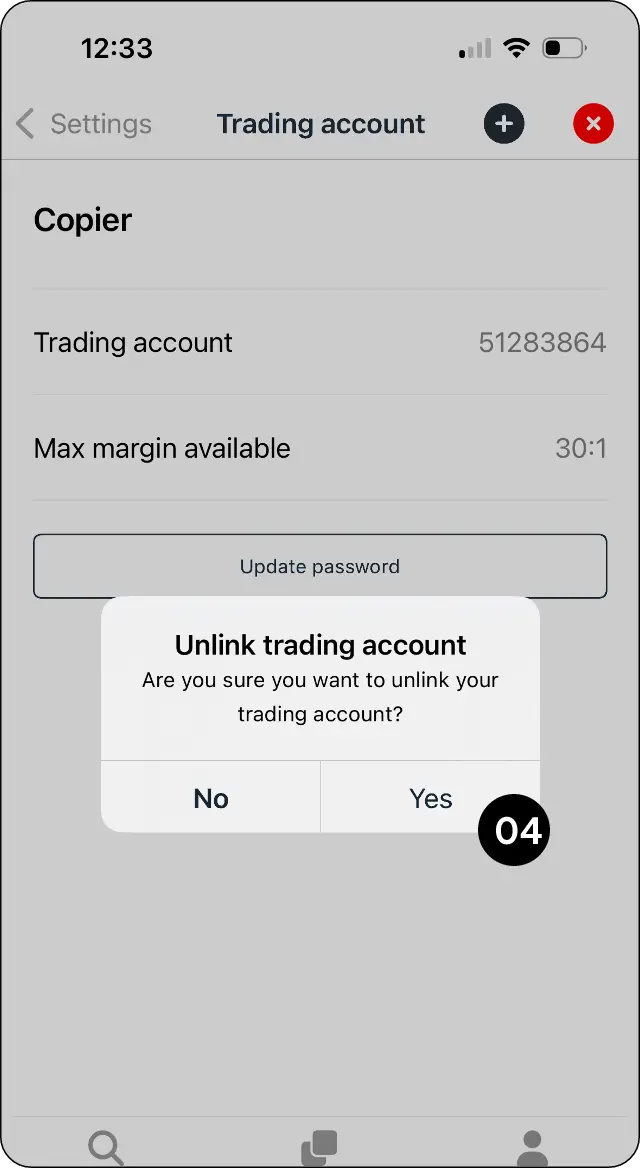
Confirm unlinking
Step 4: Select Yes to confirm.
Expected outcome
Remove a trading account from your CopyMate profile.