
Start creating your profile
Step 1: Select Create your profile.

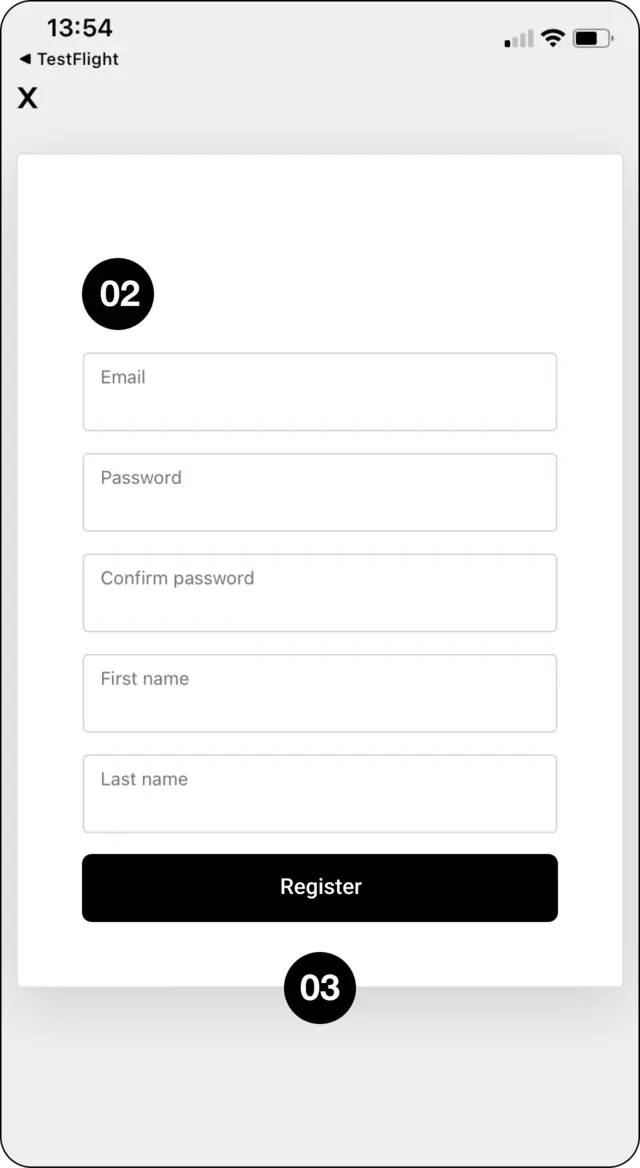
Enter your personal details and password
Step 2: Enter your email address, choose and confirm your password, then add your first and last name.
Register your profile
Step 3: Select Register.
Verify your email and log in
Step 4: Open the confirmation email, verify your account, then return to CopyMate to log in.
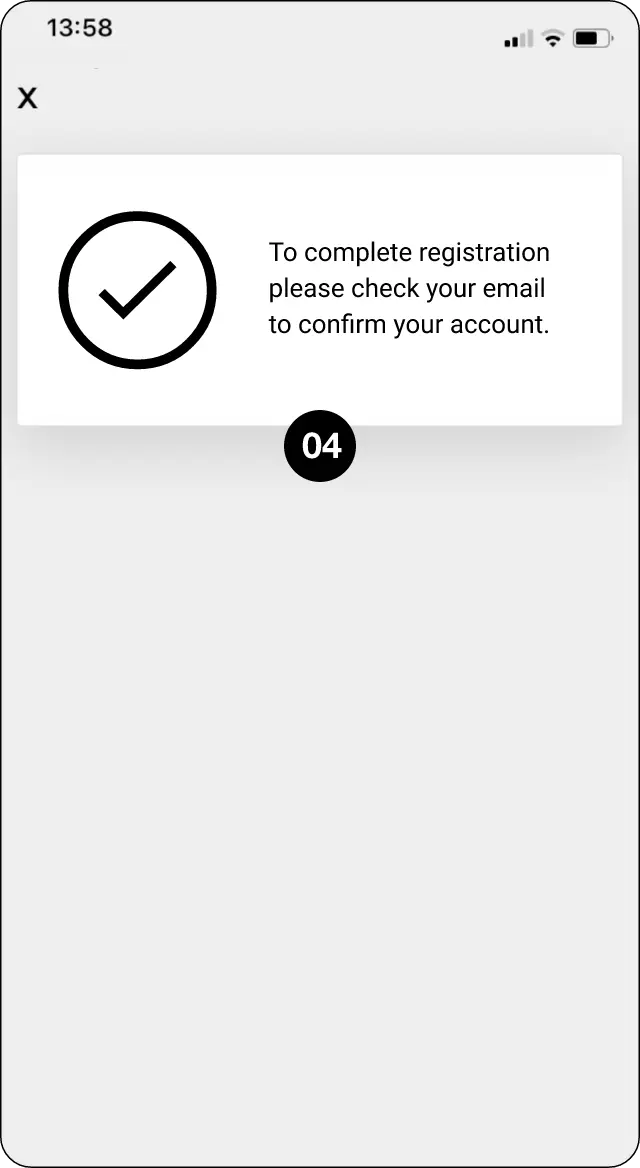
Expected outcome
Register your CopyMate profile and confirm your email.