
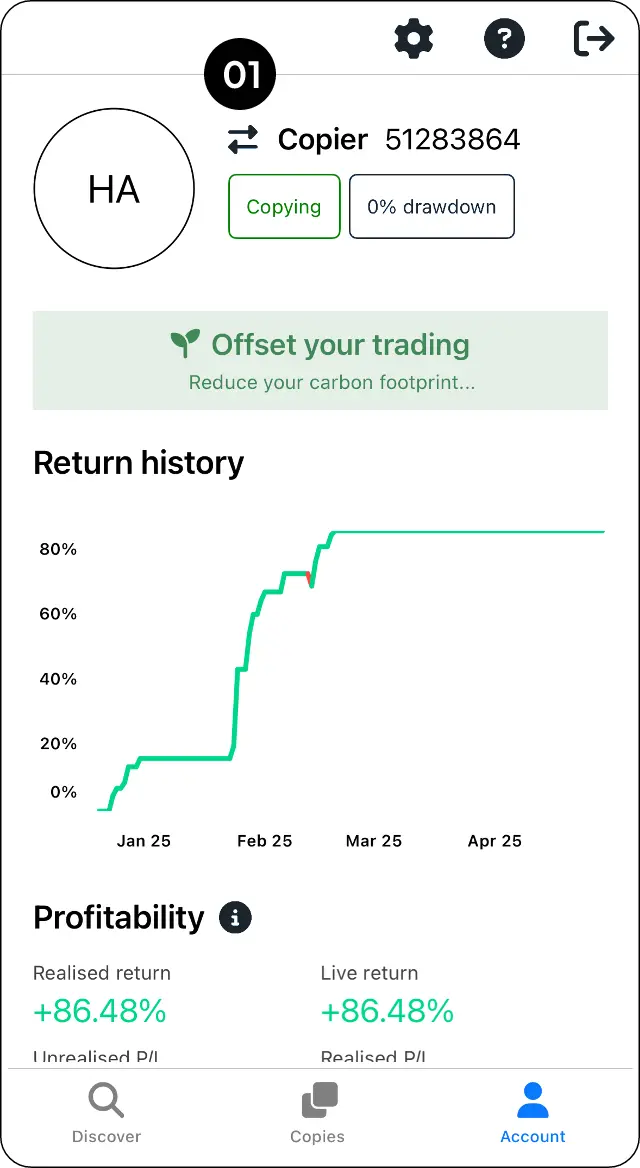
Open the account switcher
Step 1: Go to Account and select the Switch button.
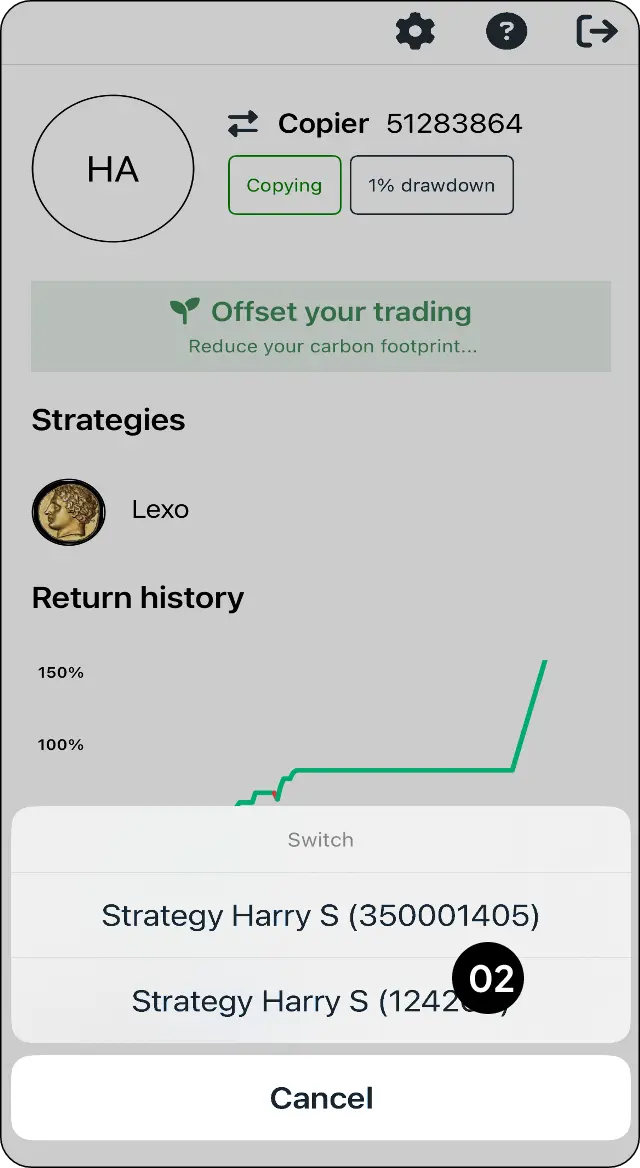
Choose the account to use
Step 2: Select the account you want to use.
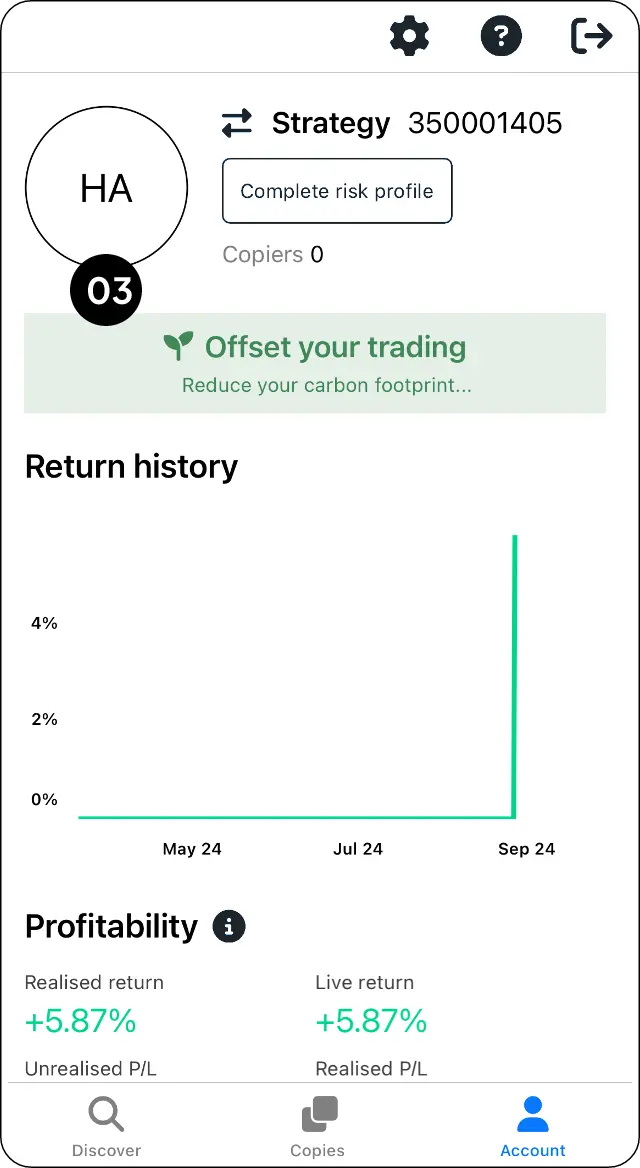
Verify the selected account
Step 3: Check that the correct account is now displayed.
Expected outcome
Move between your linked trading accounts.