
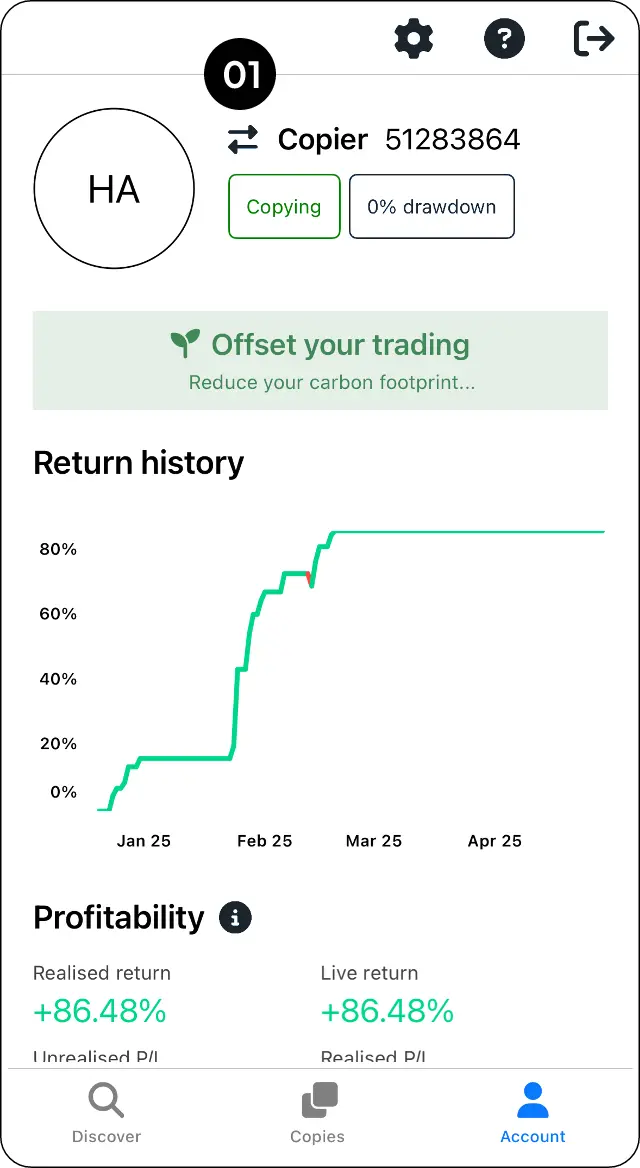
Step 1: Go to Account and select the Switch button.
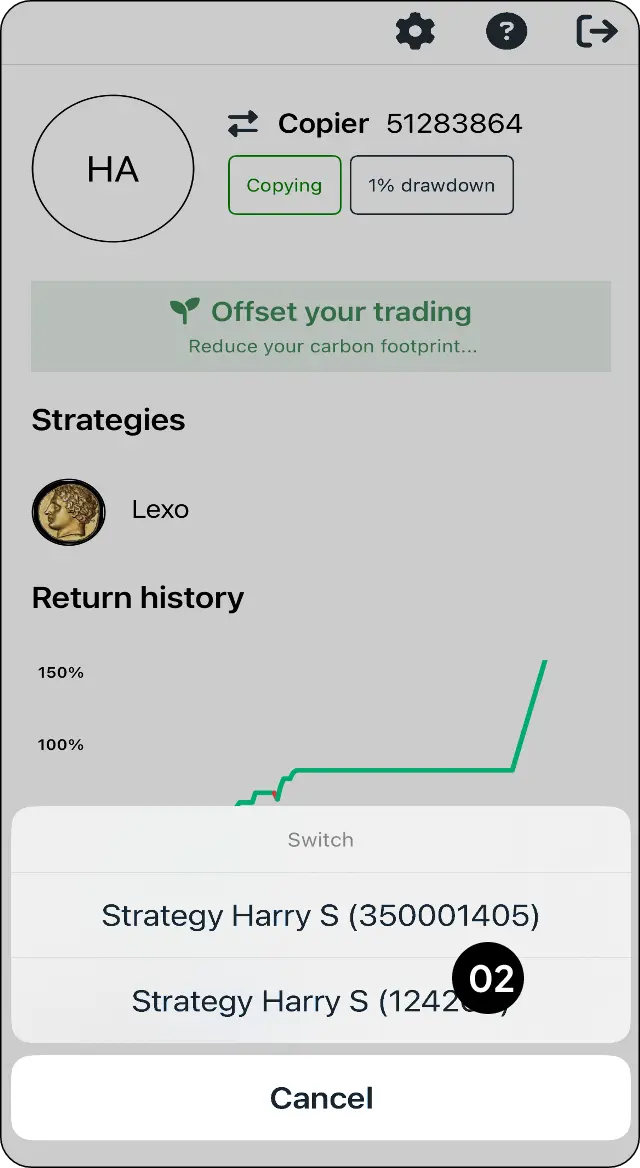
Step 2: Select the account you want to use.
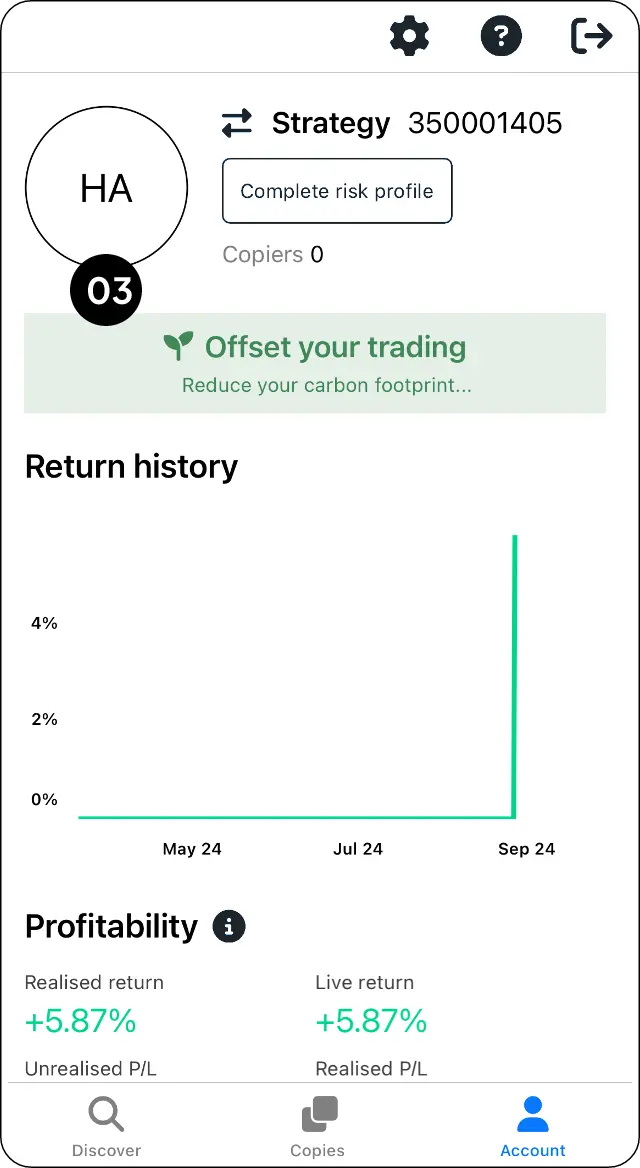
Step 3: Check that the correct account is now displayed.
Expected outcome
Move between your linked trading accounts.
Step 1: Go to Account and select the Switch button.

Step 2: Select the account you want to use.

Step 3: Check that the correct account is now displayed.

Move between your linked trading accounts.
Related
Add another copier or signal account to your profile.
Remove a trading account from your CopyMate profile.
Register your CopyMate profile and confirm your email.
Contact MarketMates support through the official contact page. Response times vary, and complex payment or security investigations can take longer.
Keep your account safe: Never send passwords, one-time passwords (OTPs), full card details, recovery codes, or private keys. MarketMates support will not ask for them.