Expected outcome
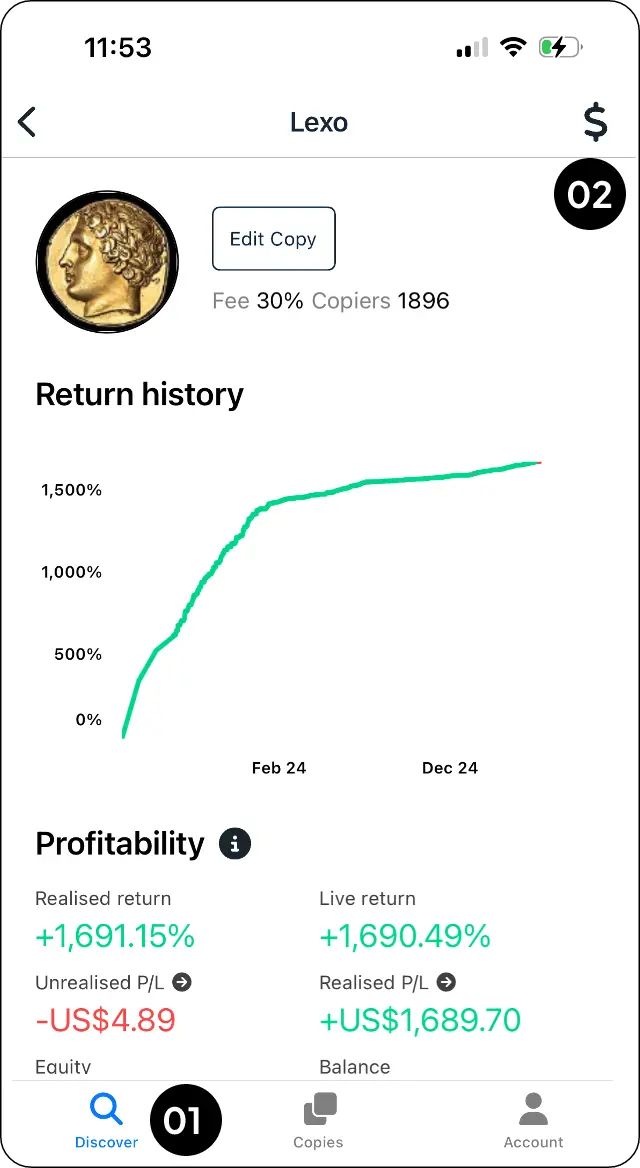
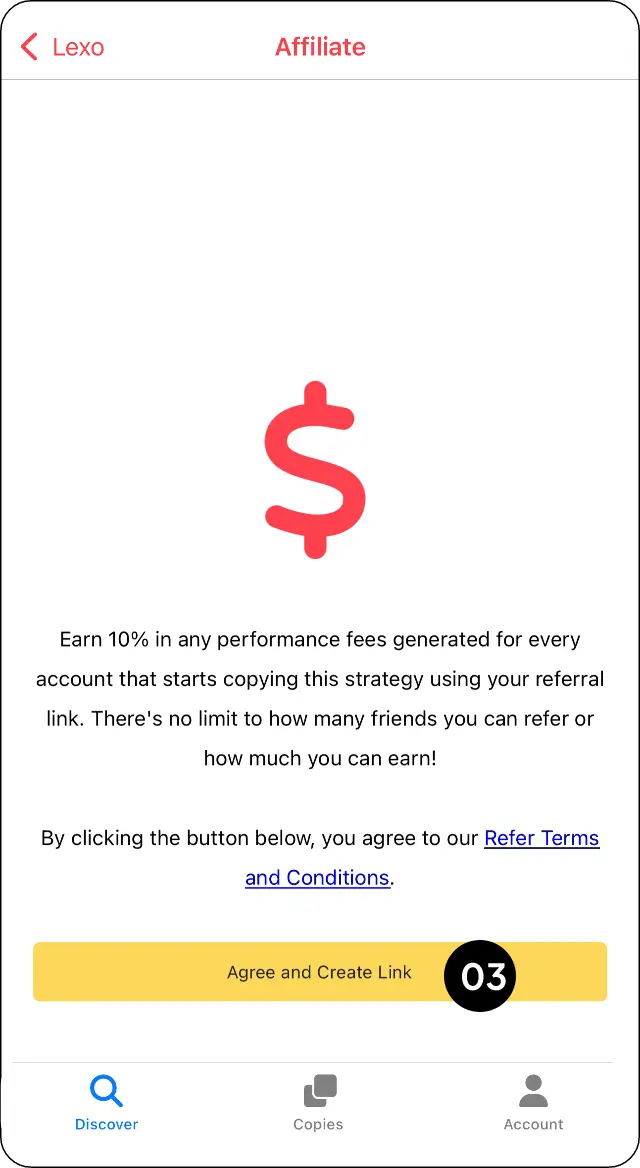
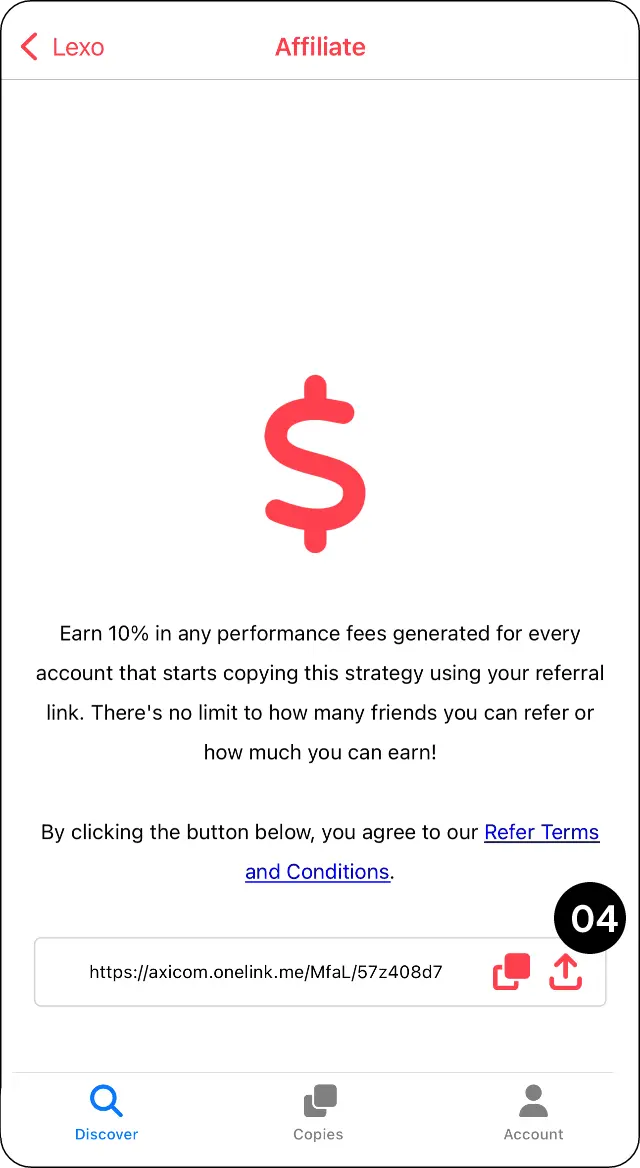
Share a signal using a direct referral link.
 Help Desk
Share a signal using a direct referral link.
Share a signal using a direct referral link.
Related
Find a trader, friend or strategy in Discover.
Choose a trader, set your trade size and confirm how you want copying to work.
Register your CopyMate profile and confirm your email.
Contact MarketMates support through the official contact page.
Keep your account safe: Never send passwords, one-time passwords (OTPs), full card details, recovery codes, or private keys. MarketMates support will not ask for them.