
Open the login screen
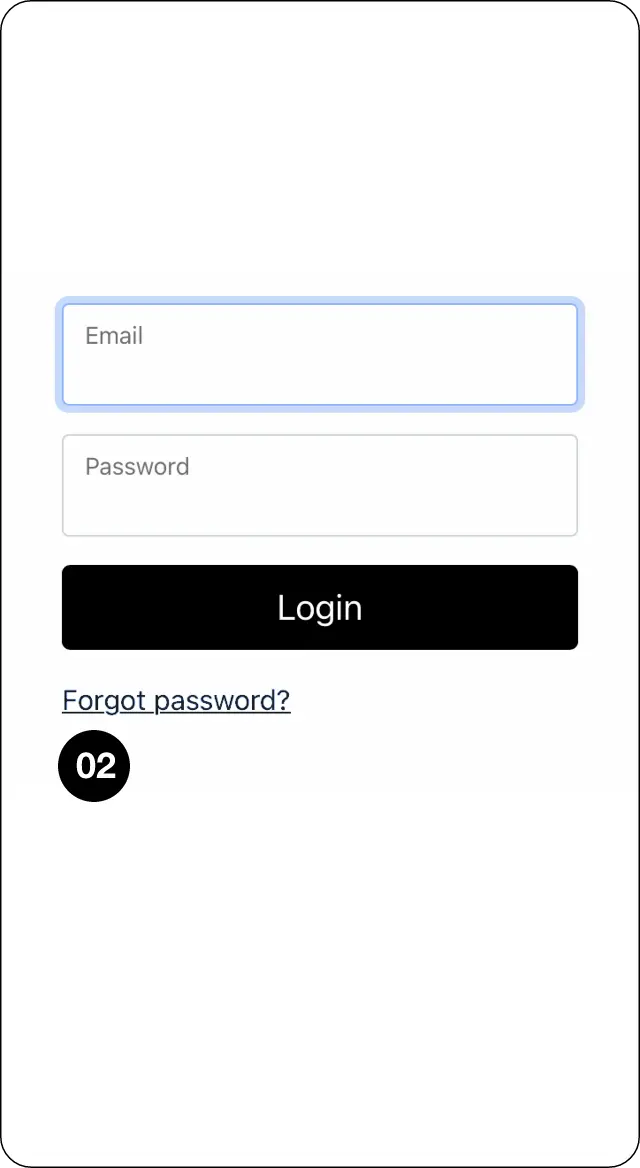
Step 1: Select Login.

Select Forgot password
Step 2: Select Forgot password?
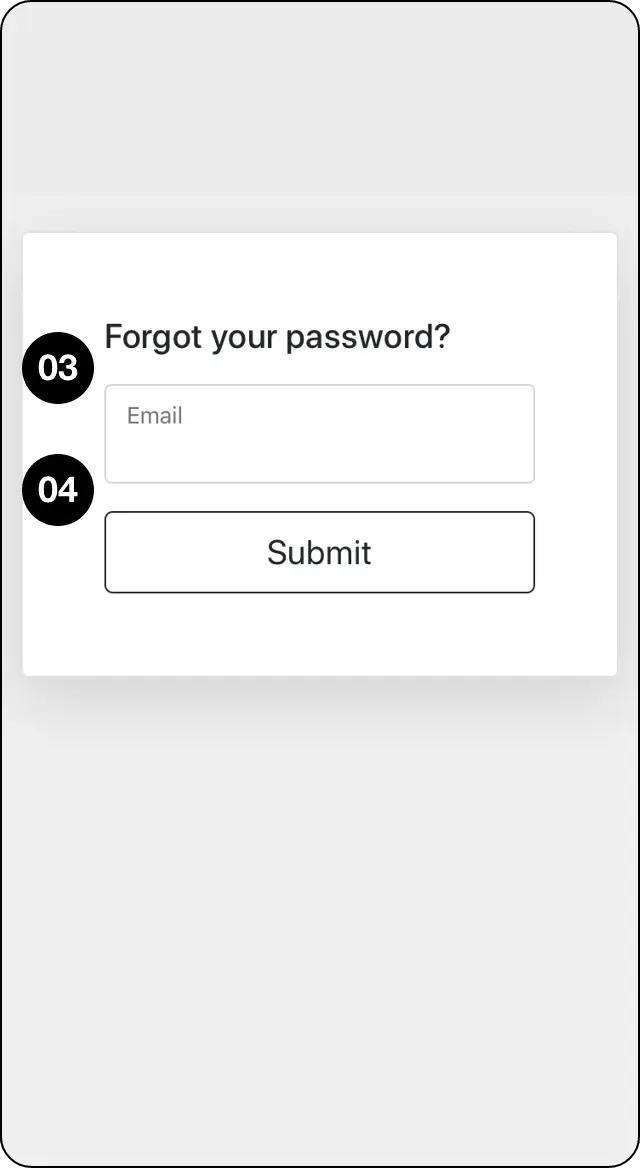
Submit your registered email address
Step 3: Enter the email address registered to your CopyMate profile and select Submit.
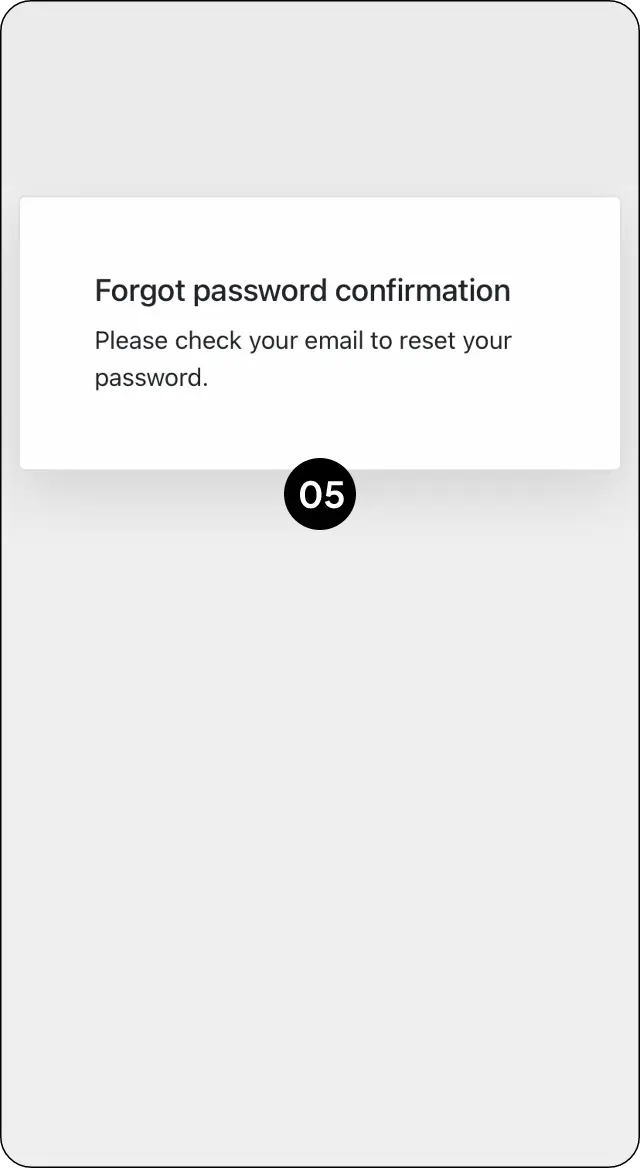
Open the password-reset email
Step 4: Open the reset email and select Reset password. Check spam or junk if it does not arrive.
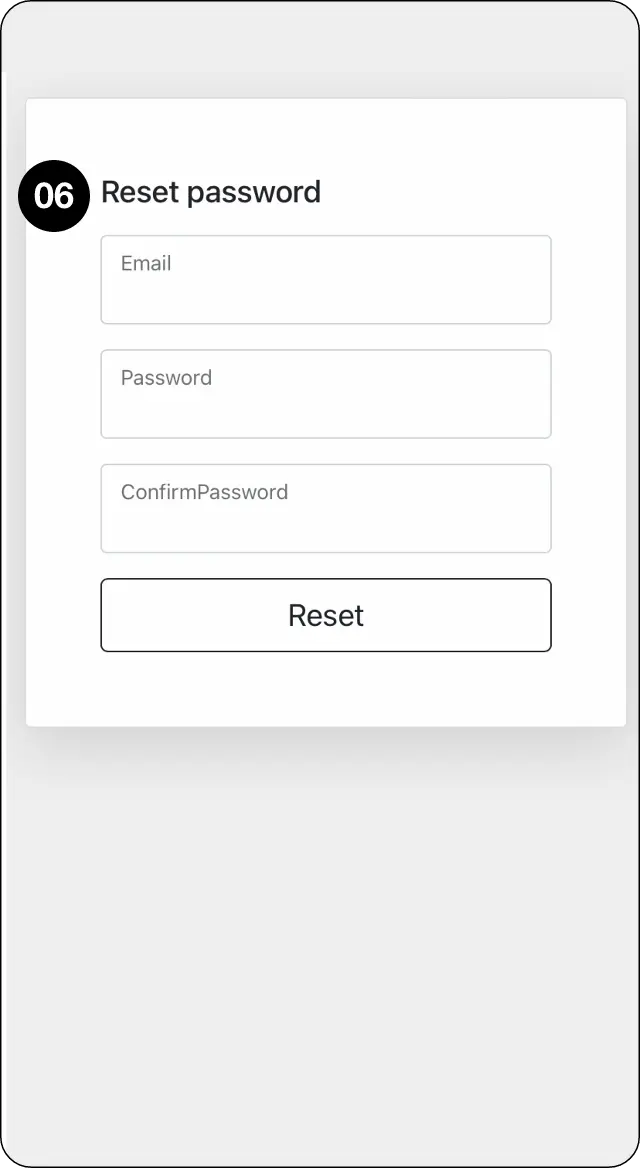
Set and confirm your new password
Step 5: Enter and confirm your new password, then select Reset.
Expected outcome
Reset your password and regain access securely.