
Start linking an account
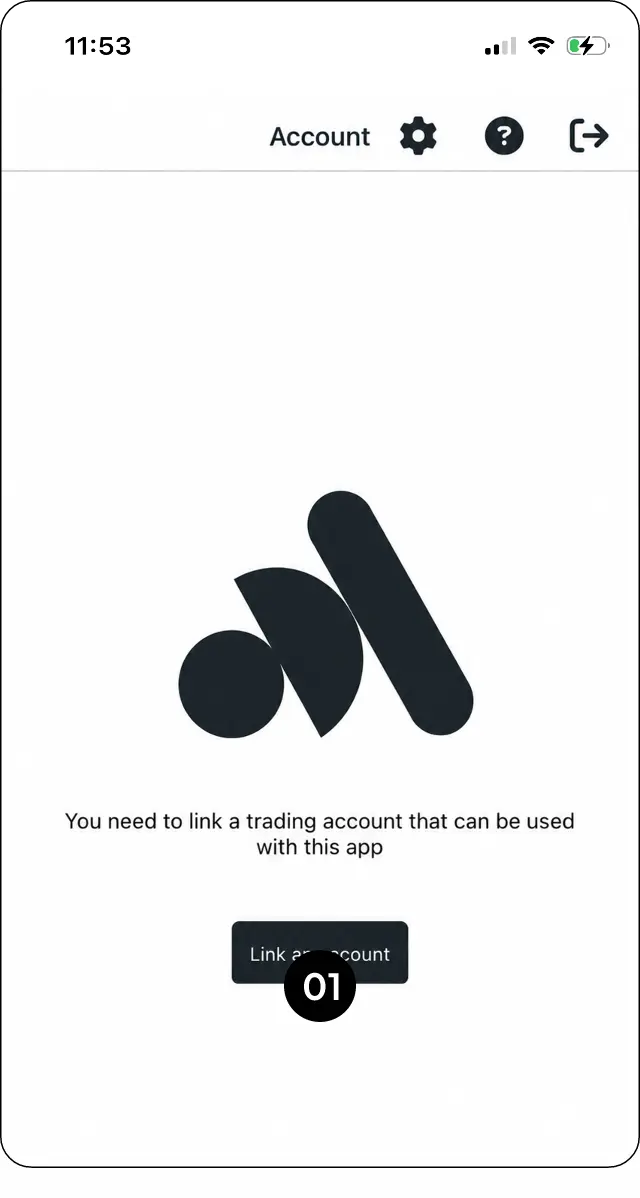
Step 1: Go to Account and select Link an account.
Choose copier or signal-provider access
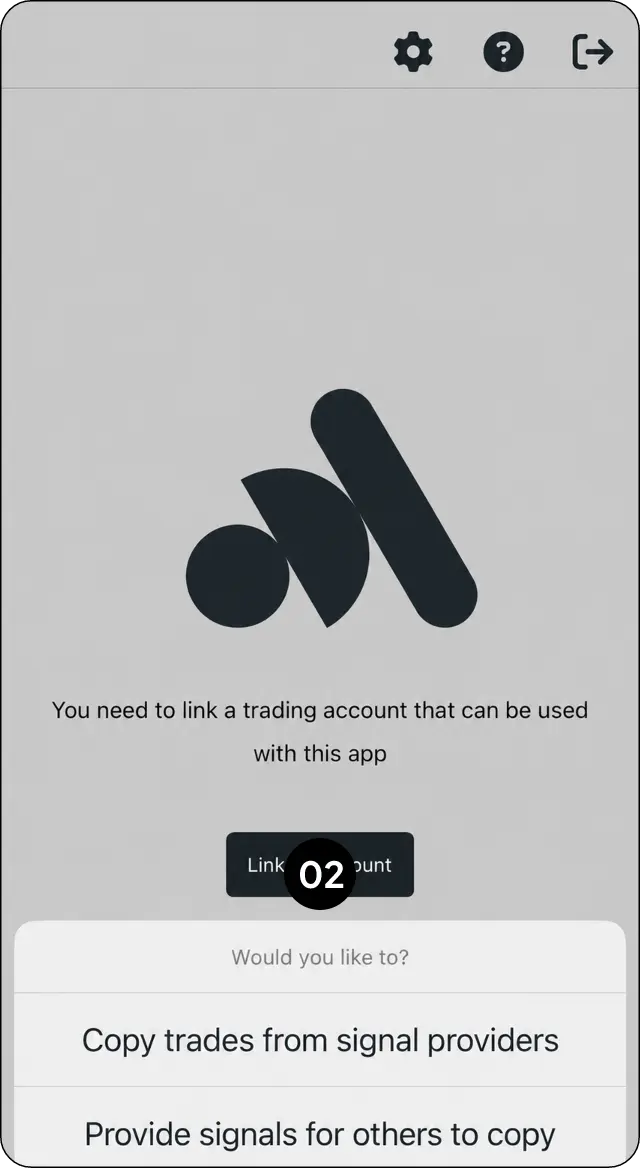
Step 2: Choose whether you want to copy trades from a signal provider or provide signals for others to copy.
Select your MarketMates server
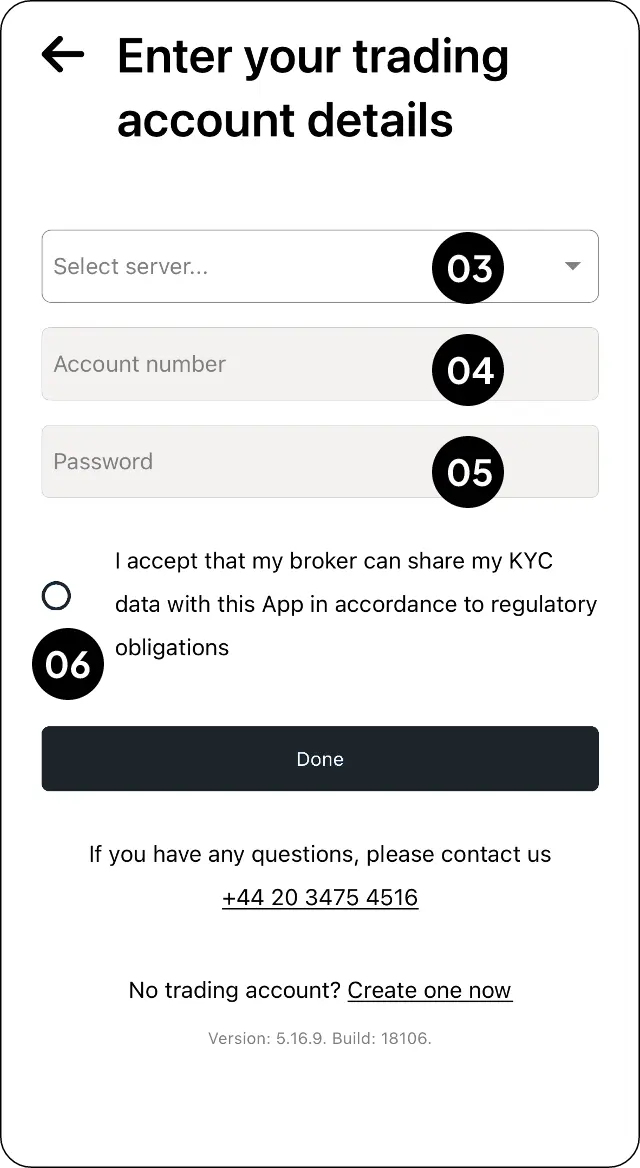
Step 3: Select the correct MarketMates server.
Enter your trading-account credentials
Step 4: Enter your trading account number and password.
Accept and confirm the connection
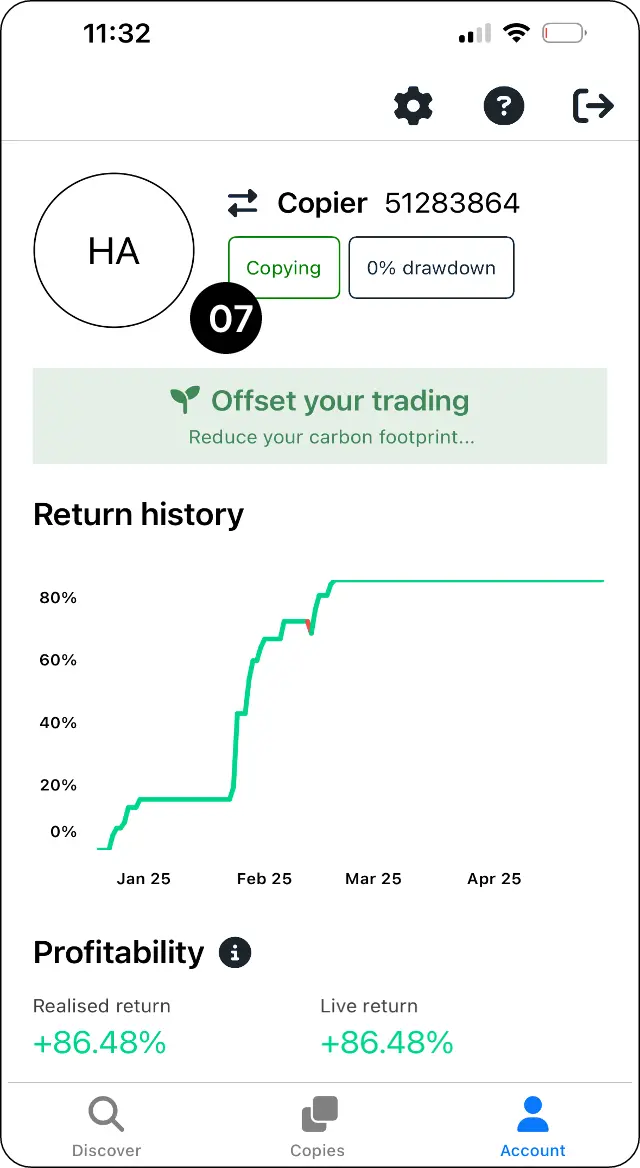
Step 5: Select Accept and continue. When successful, the status will update to Copying.
Expected outcome
Connect your MarketMates trading account to CopyMate.