
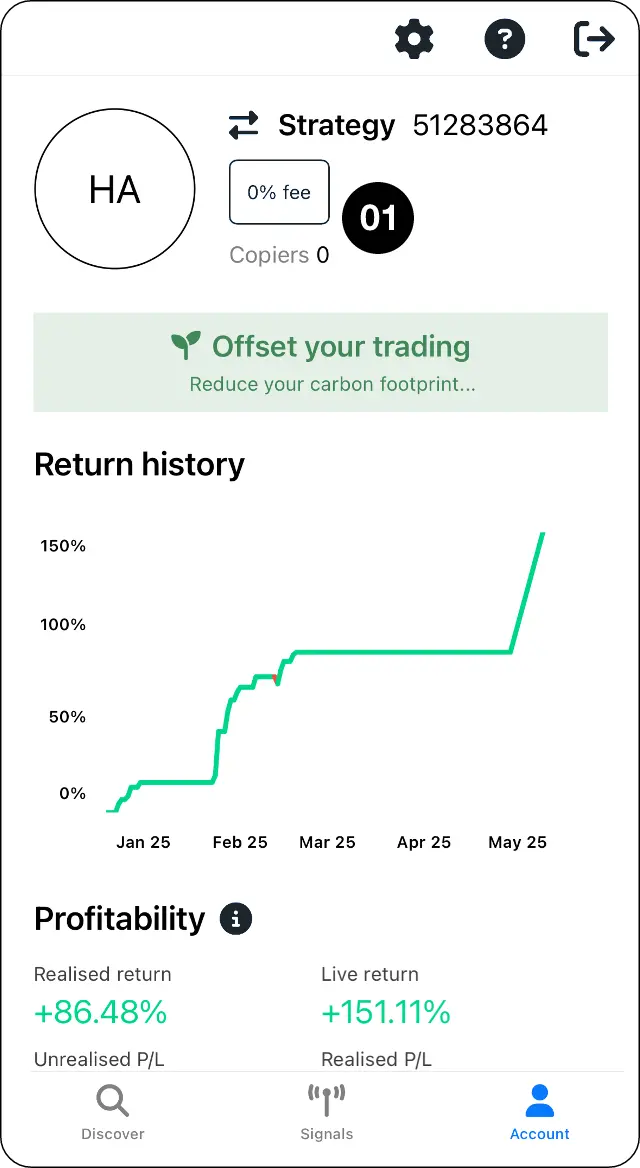
Open account settings
Step 1: Go to Account and open Settings.
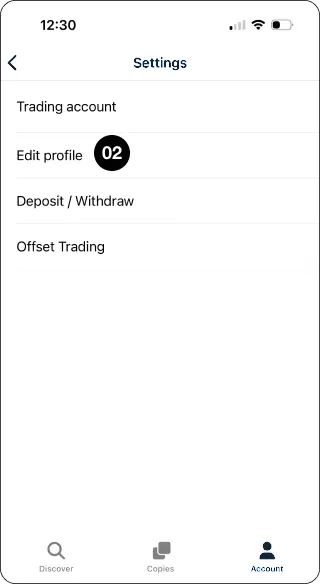
Select Edit profile
Step 2: Select Edit profile.
Update your name and profile image
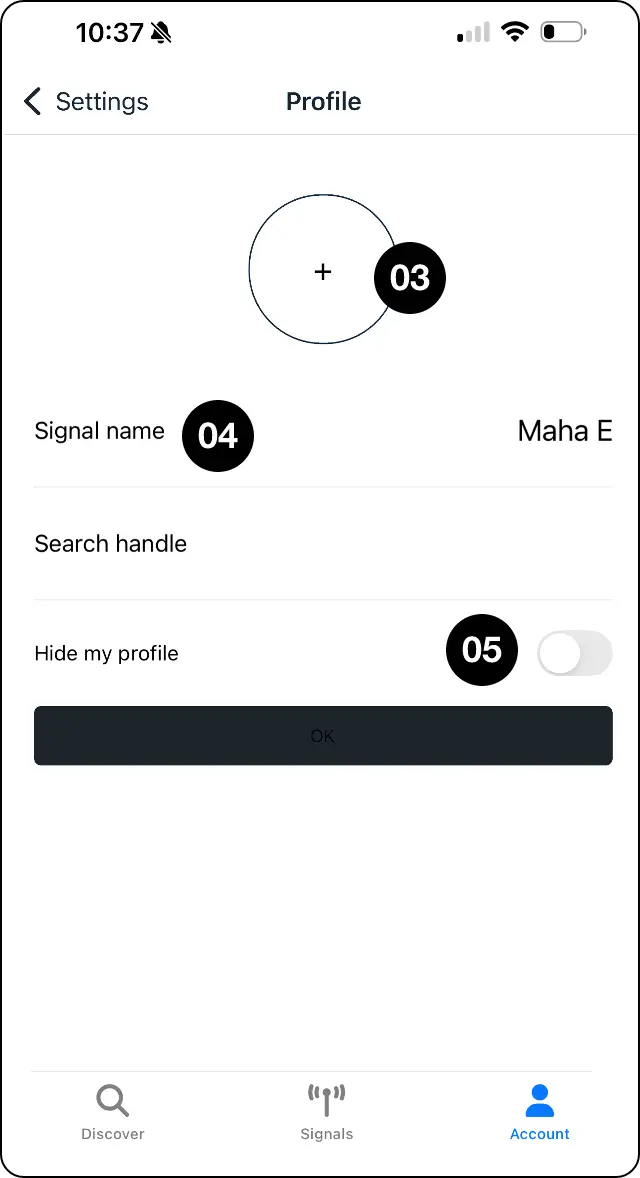
Step 3: Add or edit your name and profile image.
Choose your signal name
Step 4: Add a Signal name if you want to appear under that name in Discover.
Set your profile visibility
Step 5: Hide your profile if you do not want it shown in Discover.
Expected outcome
Update your name, image, signal name and visibility.